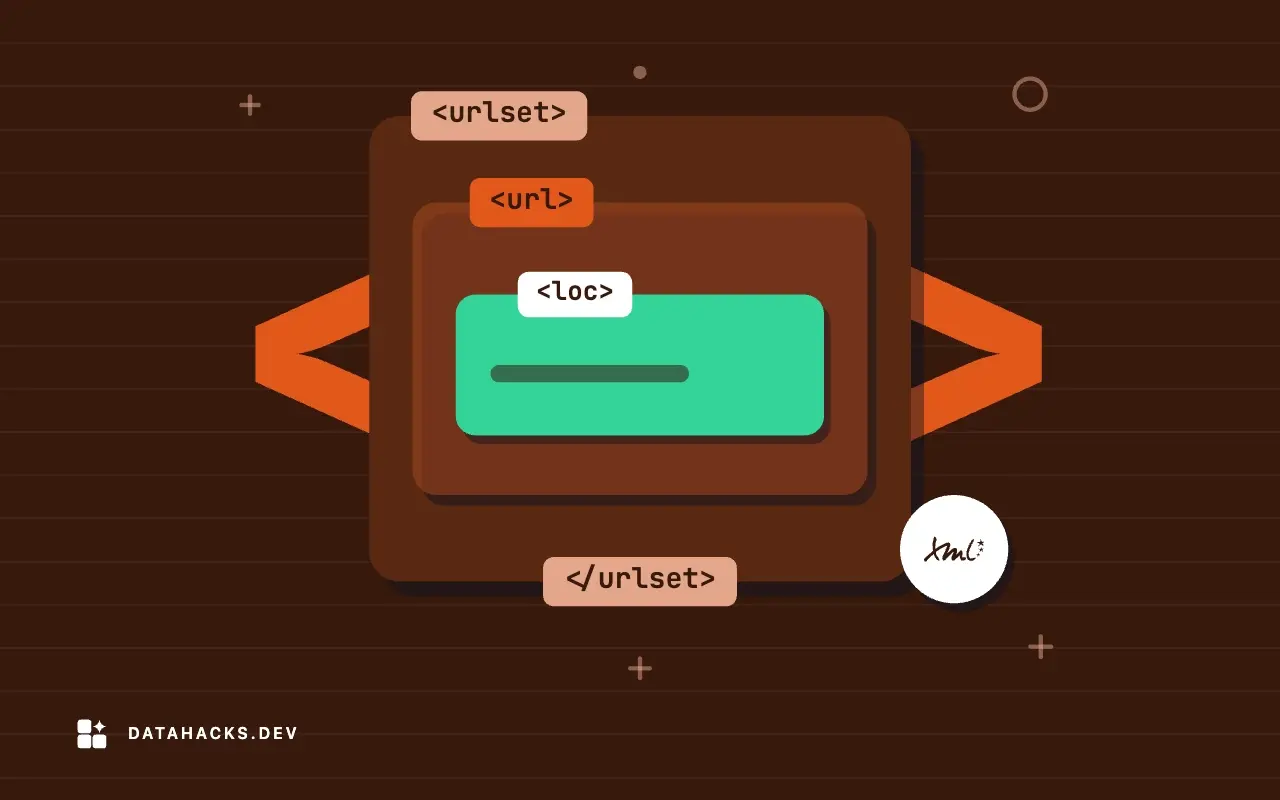
XML
Opening XML Files in Excel Without Mangled Data or Loss
What happens when you open an XML file in Excel, the choices it offers, why leading zeros and long numbers change, and a safer route that keeps text as text.
5 min read
Everything you need to level up your coding skills.
What happens when you open an XML file in Excel, the choices it offers, why leading zeros and long numbers change, and a safer route that keeps text as text.
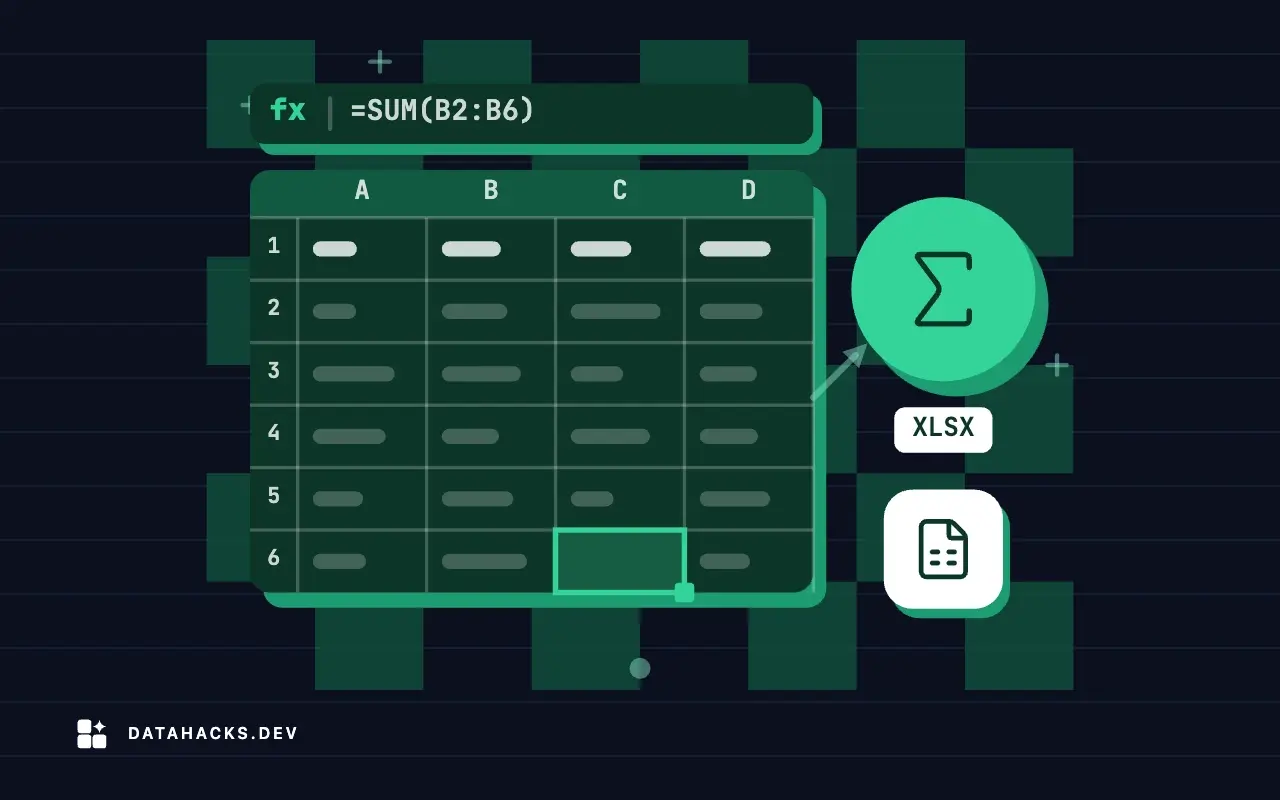
Compare each month with the same month last year from an Excel sheet in SQL: LAG, self joins, partial years, missing months and percent change.
Summarize a sales workbook with GROUP BY: totals by region and month, averages, rollups and ranking, with checks that make the numbers trustworthy.
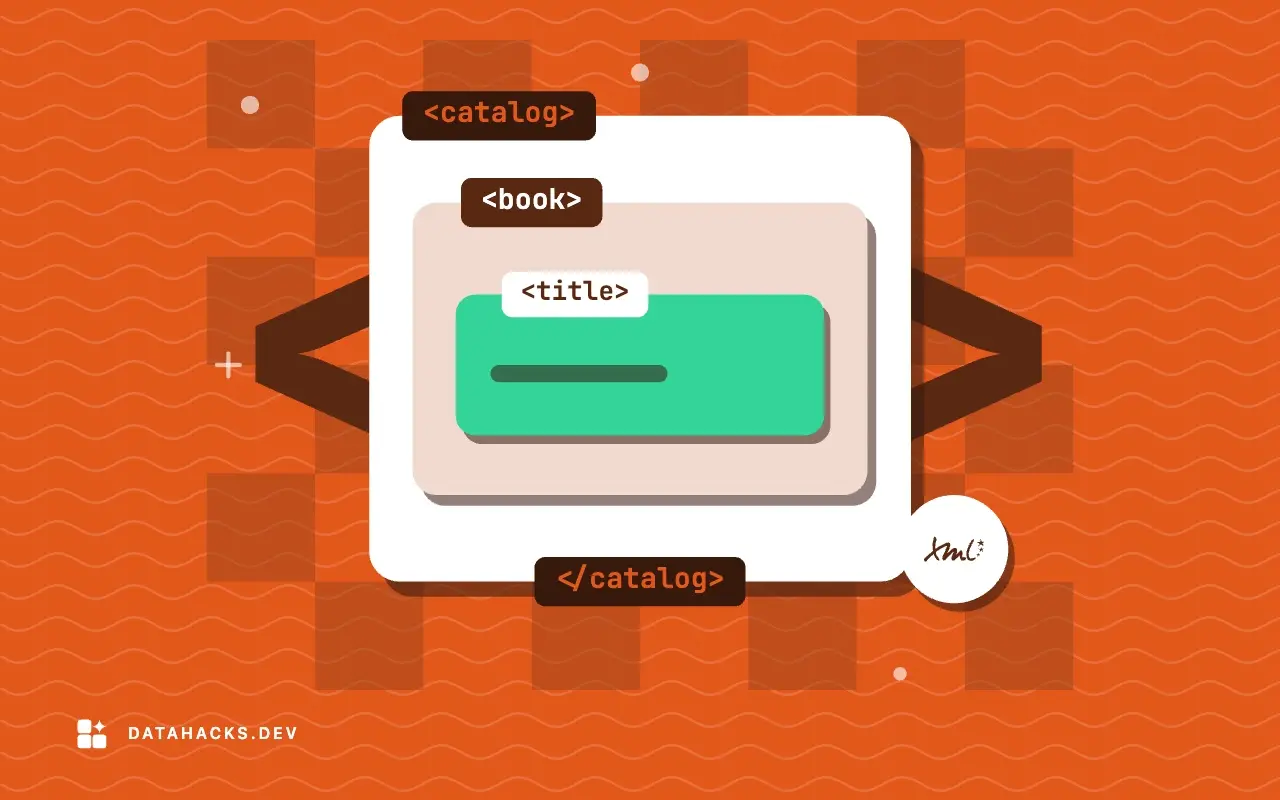
Excel exports XML only through an XML map built from a schema. The 65,536 row cap, the constructs that block export, and a script that does the same job.
Join two Excel sheets with SQL in DuckDB or SQLite: choose the join type, find rows that match nothing, avoid duplicated keys and check row counts.
How Excel maps XML elements to cells with an XML map, what the XML Source pane does, how append and overwrite work, and why repeating data is the hard part.
Run SQL on an Excel workbook with DuckDB: the excel extension, a pandas DataFrame route, sheet and range options, types and checks that keep numbers right.
How to get XML into a spreadsheet and back: XML maps, opening files, flattening, the 2003 format, scripts, types and the checks that catch silent loss.
A guide to analyzing Excel data with SQL: query workbooks in DuckDB, join, summarize, compare years, find gaps, build cohorts, reconcile and replace models.
Estimate how many rows pandas can read from an Excel file for your memory, why read_excel loads everything, and how usecols and dtype shrink the load.
Load millions of rows into the Excel Data Model with Power Query, relate tables, build pivots on it, keep it small and know the limits of memory and bitness.
Compare openpyxl, calamine, pandas engines and DuckDB for reading xlsx: build test files, time runs, record peak memory and avoid common benchmark mistakes.
We send one email when a new article is published. No spam.