Parsing Tax Style E Invoices and Checking the Totals
Read a UBL style invoice with namespaced lines, recompute each line, sum the net amounts and compare the tax rounded per line with the tax per rate group.
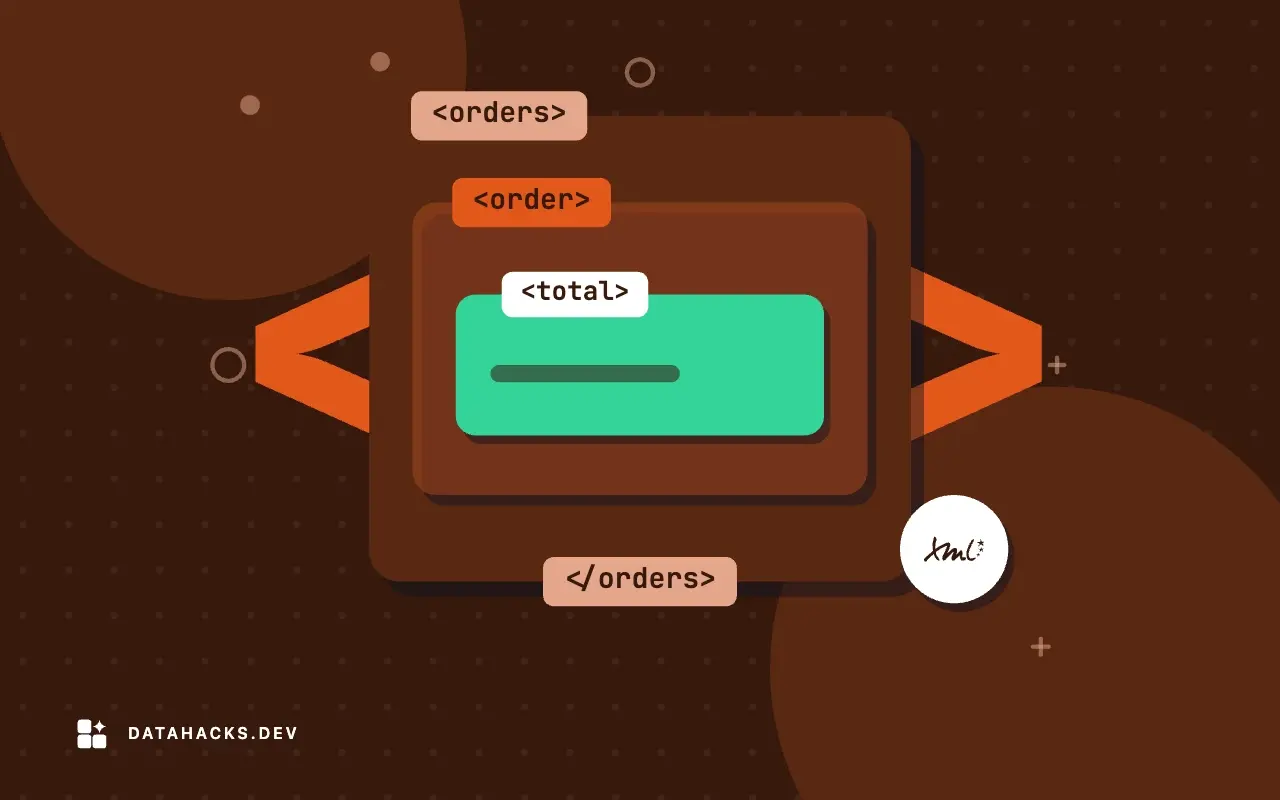
Tax authorities in many countries now require invoices as structured XML, usually in a UBL or a UBL-derived syntax with national extensions. The files are namespaced, long and full of codes, and the arithmetic inside them is the point: line amounts, tax per category, totals, payable amount. A buyer who receives hundreds of these a month wants to load them into the books and be warned when one does not add up. A seller who generates them wants to know they will be accepted. Both start with the same small piece of code, which recomputes what the document claims.
The relevant structure
Each InvoiceLine has a quantity, a stated line amount, a unit price and a tax category with a percentage. The document has a tax total and a monetary total with the net amount and the payable amount. The elements live in three namespaces (the document's own, cac for aggregate components and cbc for basic components), the convention of the UBL family:
<Invoice xmlns="urn:example:inv" xmlns:cbc="urn:example:cbc" xmlns:cac="urn:example:cac">
 <cbc:ID>INV-7</cbc:ID><cbc:DocumentCurrencyCode>EUR</cbc:DocumentCurrencyCode>
 <cac:InvoiceLine>
   <cbc:ID>5</cbc:ID><cbc:InvoicedQuantity>2</cbc:InvoicedQuantity>
   <cbc:LineExtensionAmount currencyID="EUR">9.99</cbc:LineExtensionAmount>
   <cac:Price><cbc:PriceAmount currencyID="EUR">5.00</cbc:PriceAmount></cac:Price>
   <cac:Item><cac:ClassifiedTaxCategory><cbc:Percent>7</cbc:Percent></cac:ClassifiedTaxCategory></cac:Item>
 </cac:InvoiceLine>
 ...
 <cac:TaxTotal><cbc:TaxAmount currencyID="EUR">2.32</cbc:TaxAmount></cac:TaxTotal>
 <cac:LegalMonetaryTotal>
   <cbc:LineExtensionAmount currencyID="EUR">26.49</cbc:LineExtensionAmount>
   <cbc:PayableAmount currencyID="EUR">28.81</cbc:PayableAmount>
 </cac:LegalMonetaryTotal>
</Invoice>
The test invoice has five lines: three of 1.30 at 19 percent tax, one of 12.60 at 7 percent, and the fifth of 9.99 at 7 percent. The stated net is 26.49, the stated tax 2.32 and the payable amount 28.81.
Recompute the lines
For each line, multiply quantity by unit price with Decimal and compare with the stated amount, rounded to cents:
from decimal import Decimal, ROUND_HALF_UP
from lxml import etree

ns = {"i": "urn:example:inv", "cbc": "urn:example:cbc", "cac": "urn:example:cac"}
r = etree.fromstring(xml)
q = lambda x: x.quantize(Decimal("0.01"), ROUND_HALF_UP)

lines = []
for l in r.iterfind("cac:InvoiceLine", ns):
    qty = Decimal(l.findtext("cbc:InvoicedQuantity", namespaces=ns))
    price = Decimal(l.findtext("cac:Price/cbc:PriceAmount", namespaces=ns))
    stated = Decimal(l.findtext("cbc:LineExtensionAmount", namespaces=ns))
    pct = Decimal(l.findtext("cac:Item/cac:ClassifiedTaxCategory/cbc:Percent", namespaces=ns))
    lines.append((l.findtext("cbc:ID", namespaces=ns), qty * price, stated, pct))
print(f"line {lines[-1][0]}: qty*price={qty*price} stated={stated} {'OK' if q(qty*price)==stated else 'MISMATCH'} tax%={pct}")line 1: qty*price=1.30 stated=1.30 OK tax%=19
line 2: qty*price=1.30 stated=1.30 OK tax%=19
line 3: qty*price=1.30 stated=1.30 OK tax%=19
line 4: qty*price=12.60 stated=12.60 OK tax%=7
line 5: qty*price=10.00 stated=9.99 MISMATCH tax%=7Line five says 9.99 where two units at 5.00 make 10.00. Everything else matches. In a real batch this is the typical finding: one line off by a cent or a rounding artifact, a discount not reflected, a quantity in a different unit. The code reports each mismatch with its line id and keeps going, so the output is a list to act on and not a stack trace on the first problem.
Compare with the document's own totals
The document states its net total. Sum the stated line amounts and compare:
sum of stated line amounts: 26.49 stated net: 26.49They agree: 1.30 + 1.30 + 1.30 + 12.60 + 9.99 = 26.49. The wrong line five did not break the document's total, because the total was computed from the wrong line. This is why internal consistency proves little. A producer whose software has a systematic error will produce consistent, wrong invoices. The recomputation from quantity and price is the independent check; the totals check only catches typing errors after the lines.
The rounding question
Tax is where e-invoices diverge by a cent. Two rules are common, and both are legal in different places:
Per line: compute tax on each line, round to cents, add up.
Per rate group: add up the net amounts for each tax rate, compute tax on each group's total, round once.
On the test invoice the two rules give different answers:
tax per line rounded: 2.33 | tax per rate group: 2.32 | stated: 2.32
payable stated: 28.81 net+tax stated: 28.81
Per line, three lines of 1.30 at 19 percent give 0.25 each (0.247 rounded) and the 7 percent lines give 0.88 and 0.70, for 2.33 in total. Per group, 3.90 at 19 percent is 0.741, which rounds to 0.74, and 22.59 at 7 percent is 1.5813, which rounds to 1.58, for 2.32. The invoice states 2.32, so it uses the group rule. Neither is an error. The stated payable amount, 28.81, equals the stated net 26.49 plus the stated tax 2.32.
A checker must therefore know which rule applies to the invoice's jurisdiction and format, and compare with that one. Comparing with the wrong rule produces a stream of one-cent false alarms that teach people to ignore the check. Some formats allow either with a stated tolerance, some declare the rule in the syntax. Read the specification of the format you receive, and make the rule a configuration option, not a constant.
What else to check
Beyond the arithmetic, a short list covers most rejections:
Currency consistency. Every amount's
currencyIDequals the document currency, unless a tax currency is declared separately.Tax category codes from the allowed list for the format, with a percentage consistent with the code.
Required elements present, which a schema check does better than hand code (validating XML against an XSD schema).
Duplicate invoice ids from the same seller, which a database constraint catches.
Credit notes have a different document type and reduce amounts; read the type before summing.
Dates in range and in order: issue date before due date.
For the national formats, validation usually has two layers: the XML Schema for structure and Schematron rules for business logic such as these arithmetic and code-list checks. The rule sets are published by the authorities, and running them is better than reimplementing them. The script here is for understanding the data and for quick checks in a pipeline you control.
Related reading
This post belongs to XML problems worked from real data. The batch version of the same job, summing thousands of files, is in summing values across thousands of XML invoices, and a related reconciliation is in parsing a bank statement in XML. The UBL specification is maintained by OASIS, and the European standard for e-invoicing semantics is EN 16931. Read an invoice's structure in the XML formatter.
When recomputing an e-invoice is the wrong check
The format rounds in a way you do not know. Compare nothing until you have the rule. A wrong rule is worse than no check.
Prices carry more decimals than amounts. Unit prices with four decimals multiplied by quantities give line amounts that must be rounded by the stated rule. A recomputation with two-decimal prices is wrong.
Discounts and charges apply at document level. Allowances change the taxable base. Include them as the format specifies.
You need legal validity. A script does not validate signatures, certificates or a tax authority's business rules. Use the official validator for acceptance.