Content Is Not Allowed in Prolog and the Hidden BOM
What Content is not allowed in prolog means in Java: a BOM decoded to text, a double BOM, JSON or text instead of XML, and how to diagnose it.
If you have used Java to read XML, you have seen this one:
org.xml.sax.SAXParseException: Content is not allowed in prolog.It is among the most-searched XML errors, and the usual advice ("remove the BOM") fits some cases and misses others. The message has a precise meaning, and understanding it makes the cause obvious in each case.
The prolog is everything before the root element: the XML declaration, comments, processing instructions and a DOCTYPE. "Content is not allowed in prolog" means the parser found something there that is not any of those, typically text. The first thing the parser expects is <. Anything else is content in the prolog.
I reproduced it from eight inputs in Java 21, Python and xmllint, to see which inputs cause it and which give other messages.
What the inputs produced
input                       Java 21 DocumentBuilder
good XML                    ok
UTF-8 BOM + XML (as bytes)  ok
space and newline, then XML The processing instruction target matching "[xX][mM][lL]" is not allowed.
an HTML 404 page            ok (it is well formed)
JSON error body             Content is not allowed in prolog.
plain text error message    Content is not allowed in prolog.
gzip bytes                  Invalid byte 1 of 1-byte UTF-8 sequence.
UTF-16 without a BOM        The markup in the document preceding the root element must be well-formed.
The most common real-world cause is the second to last pair: the server did not send XML. An API gateway returns JSON or text for a failed authentication or a rate limit, and your code parses the body without looking at the status. The parser then sees { or E and says content is not allowed. The tell is that the message is on line 1, column 1, and the "document" is short. Print the first 200 characters of the response before you blame the parser.
The hidden byte order mark
The BOM is the cause people remember, and it needs a precise statement. A UTF-8 file with a BOM (EF BB BF) parsed fine in Java when read as bytes. Parsers detect the BOM and drop it. The error appears when the BOM survives as a character:
// Fine: the parser sees bytes and handles the BOM
db.parse(new FileInputStream("bom.xml"));

// Fails: the BOM became the character U+FEFF in a String
String u = new String(Files.readAllBytes(path), StandardCharsets.UTF_8);
db.parse(new InputSource(new StringReader(u)));
// SAXParseException: Content is not allowed in prolog.
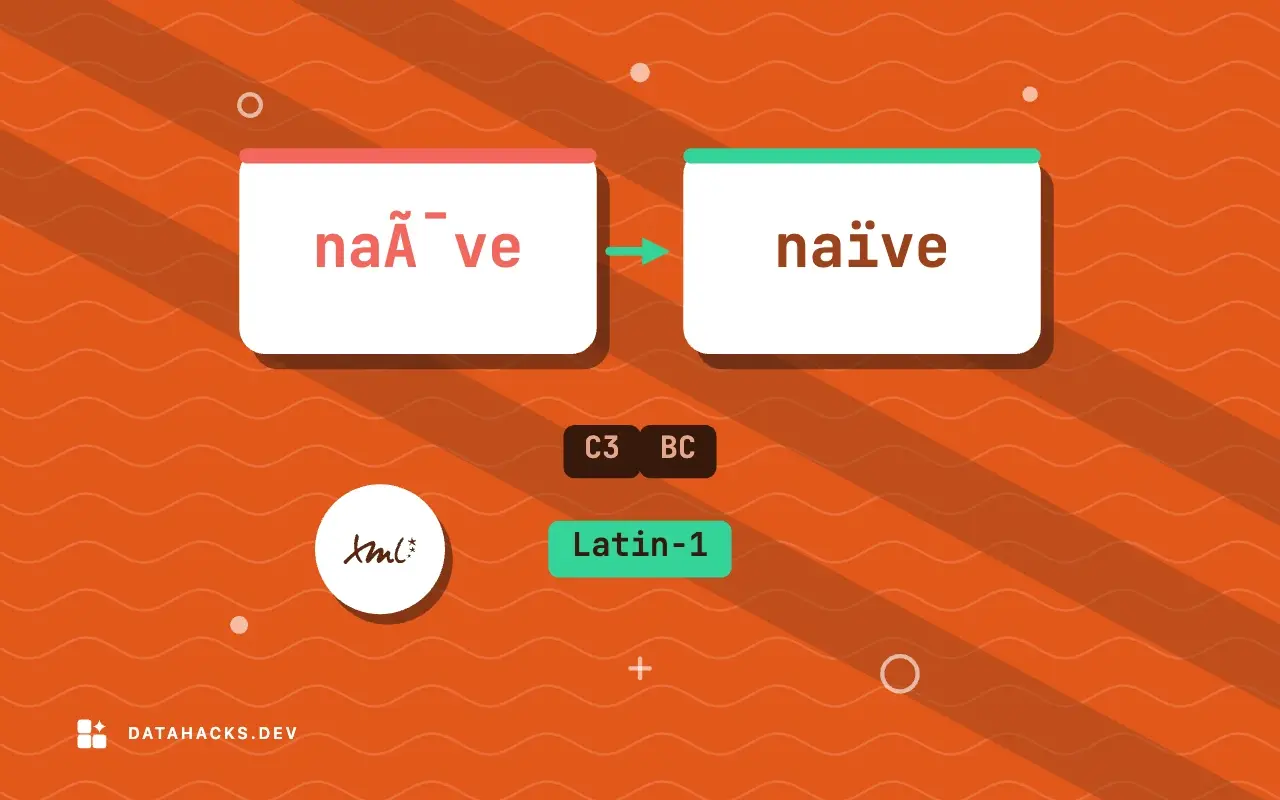
The same happened when the bytes were decoded as Latin-1, where the three BOM bytes become three odd characters. A String is already decoded, and a decoder that does not know about the BOM keeps it as a character, which is not whitespace and not <. Two BOMs in a row failed the same way, which is what you get when a file is concatenated or when a tool adds a BOM to a file that already has one.
The fix depends on where the BOM is added or kept. Pass the parser the bytes (an InputStream) and let it handle the encoding. If you must use a String, strip the character:
if (!s.isEmpty() && s.charAt(0) == '') s = s.substring(1);In Python, reading a file as text with encoding="utf-8" keeps the BOM and encoding="utf-8-sig" removes it, so ET.fromstring(open(p, encoding="utf-8-sig").read()) parsed the BOM file. In my test ElementTree and lxml accepted a string that began with U+FEFF; Java did not, so the same string can pass in one language and fail in another. Do not rely on a parser's leniency about it.
Whitespace before the declaration
A different message appears when whitespace comes before the XML declaration:
Java:     The processing instruction target matching "[xX][mM][lL]" is not allowed.  (line 2, col 6)
lxml:     XML declaration allowed only at the start of the document
ElementTree: XML or text declaration not at start of entity
xmllint:  XML declaration allowed only at the start of the document
A space and a newline before <?xml version="1.0"?> is whitespace in the prolog, which is allowed, but then <?xml ...?> reads as a processing instruction named xml, and that name is reserved. The Java wording is the cryptic one. The cause is leading whitespace, typically a template that starts with a blank line, or a script that echoes a newline before the document. Trim the start of the string, and make the producer write the declaration as the very first bytes.
What other parsers say
The same causes, with other words:
input              ElementTree                              lxml / xmllint
JSON body          not well-formed (invalid token): line 1, column 0   Start tag expected, '<' not found
plain text         syntax error: line 1, column 0                      Start tag expected, '<' not found
empty              no element found: line 1, column 0                  Document is empty
"Start tag expected, '<' not found" is the libxml2 phrase for the same condition: the parser wanted < and found something else. When you see either, print the first bytes of the input and look at them, in hex if they do not display: xxd file | head -2.
The traps around it
Two results from the test look odd and are worth knowing.
First, an HTML error page parsed successfully. <!DOCTYPE html><html><body>404 Not Found</body></html> is also a well-formed XML document, and every parser accepted it. A successful parse says nothing about whether the document is the one you wanted. Check the root element's name, or validate against the expected structure, and check the HTTP status and Content-Type before parsing.
Second, lxml and xmllint accepted a gzip file as if it were XML: libxml2 decompresses a gzip file it is given by name. Java reported Invalid byte 1 of 1-byte UTF-8 sequence, which is the first gzip byte (1F 8B) failing as UTF-8, and ElementTree reported an invalid token. If a response is compressed and you are reading raw bytes, decompress first or let the HTTP client do it. The Java message is a good hint: whenever the invalid byte is byte 1 of a file, suspect compression or a different encoding.
A checklist for this error
Print the first 100 bytes, as text and as hex. Is it
<? Is itEF BB BF? Is it{,1F 8Bor text?Check the HTTP status and content type, if it came over the network.
If the first bytes are a BOM and you passed a string, pass bytes, or strip U+FEFF.
If there is whitespace before the declaration, trim it, and fix the source.
If it is compressed, decompress.
If it is text or JSON, the problem is upstream: an error response, an authentication failure or a wrong URL.
The details of encodings and BOMs are in XML encoding declarations and the wrong encoding problem, and the rest of the error list is in fixing XML parse errors fast. For other first-byte problems see XML parsing error not well formed and how to find the spot. The specification defines the document and prolog productions, and Java's behavior is described in the DocumentBuilder documentation. To see whether a document starts with what you think it does, the XML formatter shows the parse result for small inputs.
When the prolog is fine and the parser still complains
The message comes from a different layer. A framework wraps the parse and reports its own error. Look at the cause chain for the original SAXParseException.
The document is a fragment. Two root elements, or text and an element, fail with "extra content" after the first or "content in prolog" before it. A fragment needs a wrapper root.
The encoding is wrong. UTF-16 without a BOM gave a "preceding the root element must be well-formed" message, which is the same family of failures with another wording.
The input is not XML at all. The best fix for that one is to stop sending it to an XML parser, and to check the response.