Querying a Folder of CSV Files With a Glob in DuckDB
Read every CSV in a folder as one table in DuckDB with a glob, add the file name as a column, and handle files whose columns differ in count or order.
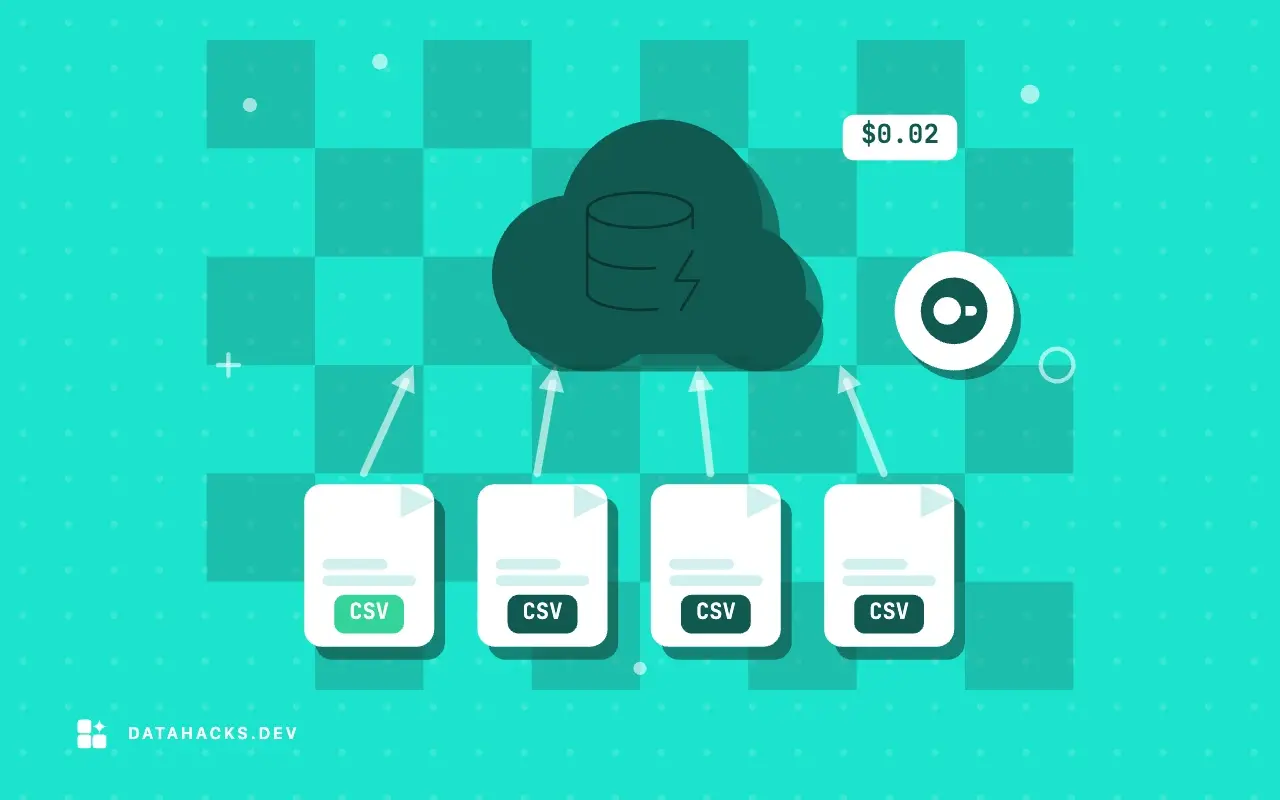
Monthly exports, one file per day, one file per branch office: a folder of CSVs with the same shape is how a lot of data actually arrives. The usual first move is a loop that concatenates them or loads them one by one. DuckDB makes that unnecessary, since a file pattern in the FROM clause reads every match as a single table. This article shows the pattern, how to keep track of which file a row came from, and what DuckDB does when the files do not quite agree, which is where the interesting behavior is. The overall approach is in the guide to querying CSV with DuckDB, and the same job in SQLite is in loading many files in bash.
See what the pattern matches
Before reading anything, ask what the pattern selects. glob is a table function that lists the files:
duckdb -box -c "SELECT file FROM glob('monthly/*.csv') ORDER BY file"┌───────────────────────────┐
│ file │
├───────────────────────────┤
│ monthly/sales-2025-01.csv │
│ monthly/sales-2025-02.csv │
│ monthly/sales-2025-03.csv │
│ monthly/sales-2025-04.csv │
│ monthly/sales-2025-05.csv │
└───────────────────────────┘Five files, in name order, which here is month order because the names carry the date as 2025-01. The pattern uses the usual shell wildcards: * for any characters within a name, ? for one character, and [1-5] for a set. This is worth running first, because a pattern that matches one file too many (an old backup, sales-2025-03 (copy).csv) is the commonest way to get a wrong total.
Read them all at once
The same pattern goes to read_csv, or straight in the FROM clause as a quoted string:
duckdb -box -c "SELECT * FROM read_csv('monthly/*.csv') LIMIT 3" 2>&1 | head -12┌──────────────┬───────┬─────┬───────┐
│ sale_id │ sku │ qty │ price │
├──────────────┼───────┼─────┼───────┤
│ 2025-01-0001 │ B-007 │ 3 │ 24.29 │
│ 2025-01-0002 │ A-100 │ 2 │ 49.46 │
│ 2025-01-0003 │ A-100 │ 6 │ 35.38 │
└──────────────┴───────┴─────┴───────┘The first rows come from January. Behind that, DuckDB sniffs the first file, applies that structure to the rest, and reads them in parallel. You can also pass an explicit list in square brackets instead of a pattern:
duckdb -box -c "SELECT count(*) AS rows FROM read_csv(['monthly/sales-2025-01.csv', 'monthly/sales-2025-02.csv'])"┌──────┐
│ rows │
├──────┤
│ 1000 │
└──────┘Two files of 500 rows made 1,000. A list is the safer form for a job where the set of files matters, such as "these two months", because it cannot match a stray file. The pattern is the better form for a folder that grows. A character class works as well: read_csv('monthly/sales-2025-0[1-5].csv') counted 1,503 rows, which is the five files together.
Keep the file name with filename
Once files are combined, you lose where a row came from, and the question that comes next is almost always "which file was that in". The filename=true parameter adds a column named filename with each row's path:
duckdb -box -c "SELECT filename, count(*) AS rows, count(channel) AS with_channel FROM read_csv('monthly/*.csv', union_by_name=true, filename=true) GROUP BY filename ORDER BY filename"┌───────────────────────────┬──────┬──────────────┐
│ filename │ rows │ with_channel │
├───────────────────────────┼──────┼──────────────┤
│ monthly/sales-2025-01.csv │ 500 │ 0 │
│ monthly/sales-2025-02.csv │ 500 │ 0 │
│ monthly/sales-2025-03.csv │ 500 │ 0 │
│ monthly/sales-2025-04.csv │ 2 │ 2 │
│ monthly/sales-2025-05.csv │ 1 │ 0 │
└───────────────────────────┴──────┴──────────────┘500 rows each for January, February and March, 2 for April and 1 for May. A table like this is the sanity check I run after every folder read: the counts should look like the files. A file with a tenth of the rows of its neighbors is a truncated export, and a file with none was matched and was empty. The column also makes it easy to derive a month, with regexp_extract(filename, '(\d{4}-\d{2})', 1), when the date is in the name rather than in the data; grouped on that expression it returned 2025-01 to 2025-05 with the same counts. The options are listed in the CSV import overview. The path is as written in the pattern, relative here, so run from the same directory every time.
Recursing into subfolders
A single * stays within one directory. ** matches any depth of directories:
mkdir -p nested/2025/q1 nested/2025/q2; cp monthly/sales-2025-01.csv nested/2025/q1/; cp monthly/sales-2025-02.csv nested/2025/q2/
duckdb -box -c "SELECT filename, count(*) FROM read_csv('nested/**/*.csv', filename=true) GROUP BY 1 ORDER BY 1"┌──────────────────────────────────┬──────────────┐
│ filename │ count_star() │
├──────────────────────────────────┼──────────────┤
│ nested/2025/q1/sales-2025-01.csv │ 500 │
│ nested/2025/q2/sales-2025-02.csv │ 500 │
└──────────────────────────────────┴──────────────┘Two files under nested/2025/q1 and nested/2025/q2 were found by nested/**/*.csv, 500 rows each, and the filename column shows the full path. If the folder names carry meaning, such as a year or a region, they are in that column.
When the columns do not agree
This is the part to read carefully, since DuckDB's rules for it are neither all lenient nor all strict. I set up three situations, and each behaved differently.
Columns in a different order. The May file has its header as price,sale_id,qty,sku. I read it together with the January file, whose order is sale_id,sku,qty,price:
duckdb -box -c "SELECT * FROM read_csv(['monthly/sales-2025-01.csv', 'monthly/sales-2025-05.csv'], filename=true) WHERE filename LIKE '%05%'"┌──────────────┬───────┬─────┬───────┬───────────────────────────┐
│ sale_id │ sku │ qty │ price │ filename │
├──────────────┼───────┼─────┼───────┼───────────────────────────┤
│ 2025-05-0001 │ A-101 │ 2 │ 8.50 │ monthly/sales-2025-05.csv │
└──────────────┴───────┴─────┴───────┴───────────────────────────┘The May row came out under the right headings: 2025-05-0001 in sale_id, A-101 in sku, 2 in qty, 8.50 in price. Files are matched by column name, not by position, so reordered files are fine. That is a pleasant surprise if you have come from tools that line columns up by position, and I would still not rely on it for a feed where the header might go missing.
An extra column in a later file. The April file has a fifth column, channel. Listed after January, whose schema is the reference, it is not there:
duckdb -box -c "SELECT * FROM read_csv(['monthly/sales-2025-01.csv', 'monthly/sales-2025-04.csv'], filename=true) WHERE filename LIKE '%04%'"┌──────────────┬───────┬─────┬───────┬───────────────────────────┐
│ sale_id │ sku │ qty │ price │ filename │
├──────────────┼───────┼─────┼───────┼───────────────────────────┤
│ 2025-04-0001 │ A-100 │ 3 │ 9.9 │ monthly/sales-2025-04.csv │
│ 2025-04-0002 │ B-007 │ 1 │ 12.0 │ monthly/sales-2025-04.csv │
└──────────────┴───────┴─────┴───────┴───────────────────────────┘The April rows are present with four columns and no complaint. The channel values were dropped without a warning. A silently dropped column is the failure I worry about most in this mode, since the totals still add up and nothing looks wrong.
An extra column in the first file. Reverse the order so that April comes first:
duckdb -c "SELECT * FROM read_csv(['monthly/sales-2025-04.csv', 'monthly/sales-2025-01.csv'], filename=true)" 2>&1 | head -4Invalid Input Error: Failed to read file "monthly/sales-2025-01.csv": schema mismatch in glob: column "channel" was read from the original file "monthly/sales-2025-04.csv", but could not be found in file "monthly/sales-2025-01.csv".
Candidate names: sale_id, sku, qty, price
If you are trying to read files with different schemas, try setting union_by_name=True
hint: -agent renders errors as JSON and results compactly for AI coding agents (duckdb -help lists all options)Now it fails: schema mismatch in glob: column "channel" was read from the original file "monthly/sales-2025-04.csv", but could not be found in file "monthly/sales-2025-01.csv". The error also suggests the fix, union_by_name=True. So the rule I observed is that the first file defines the schema, a later file may have extra columns that are ignored, and a later file that lacks a column of the first is an error. If the glob matches files in an order you do not control, you do not control the behavior, which is a reason to be explicit.
Keeping every column with union_by_name
union_by_name=true reads each file's own header and builds the union of all columns, filling NULL where a file lacks one:
duckdb -box -c "DESCRIBE SELECT * FROM read_csv('monthly/*.csv', union_by_name=true, filename=true)"┌─────────────┬─────────────┬──────┬──────┬─────────┬───────┐
│ column_name │ column_type │ null │ key │ default │ extra │
├─────────────┼─────────────┼──────┼──────┼─────────┼───────┤
│ sale_id │ VARCHAR │ YES │ NULL │ NULL │ NULL │
│ sku │ VARCHAR │ YES │ NULL │ NULL │ NULL │
│ qty │ BIGINT │ YES │ NULL │ NULL │ NULL │
│ price │ DOUBLE │ YES │ NULL │ NULL │ NULL │
│ channel │ VARCHAR │ YES │ NULL │ NULL │ NULL │
│ filename │ VARCHAR │ YES │ NULL │ NULL │ NULL │
└─────────────┴─────────────┴──────┴──────┴─────────┴───────┘The schema now has sale_id, sku, qty, price, channel and filename, with the types sniffed across the files. The by-name query above shows the result: with_channel is 0 for January to March and May, and 2 for April. This is the setting I use whenever the files are not guaranteed to be identical. It costs a little, since every file's header must be read up front, and it turns the silent drop into a visible NULL column that SUMMARIZE will show.
When nothing matches
A pattern that matches no files is an error rather than an empty table:
duckdb -c "SELECT * FROM read_csv('monthly/*.tsv')" 2>&1 | head -3
duckdb -box -c "SELECT * FROM read_csv('monthly/*.tsv', allow_empty=true)" 2>&1 | head -6IO Error: No files found that match the pattern "monthly/*.tsv"
LINE 1: SELECT * FROM read_csv('monthly/*.tsv')
┌───────┐
│ empty │
├───────┤
└───────┘IO Error: No files found that match the pattern "monthly/*.tsv". For a job that should tolerate an empty folder, allow_empty=true returns an empty result with a column named empty instead. Whether that is better depends on whether an empty folder is normal or a sign that an upstream job did not run. I prefer the error.
How to tell it worked
Run the GROUP BY filename query and compare each count with wc -l of the file, less one for the header. Compare the total with the sum. Run DESCRIBE and look at the column list: if you expected a column and it is not there, a file dropped it. And run SUMMARIZE to see whether any column's null percentage is higher than it should be, which is what a union_by_name NULL fill looks like.
When a glob is the wrong tool
If the files have different structures that only share a few columns, or different delimiters or encodings, one read_csv call cannot describe them, and a loop that reads each with its own options and unions the results in SQL is clearer. If the folder is thousands of small files, the per file overhead dominates, and converting them once to Parquet is the better move, as the Parquet conversion article shows. And if a file in the folder is being written while you read it, you can pick up half a row. Read only files that are finished, which is a naming convention (write to .tmp, rename when done) rather than a DuckDB setting.


