Reading XML With xmltable in a Real Import in PostgreSQL
Import XML into PostgreSQL with xmltable: XPath row and column paths, namespaces, attributes, nested elements, large files and validation of a feed.
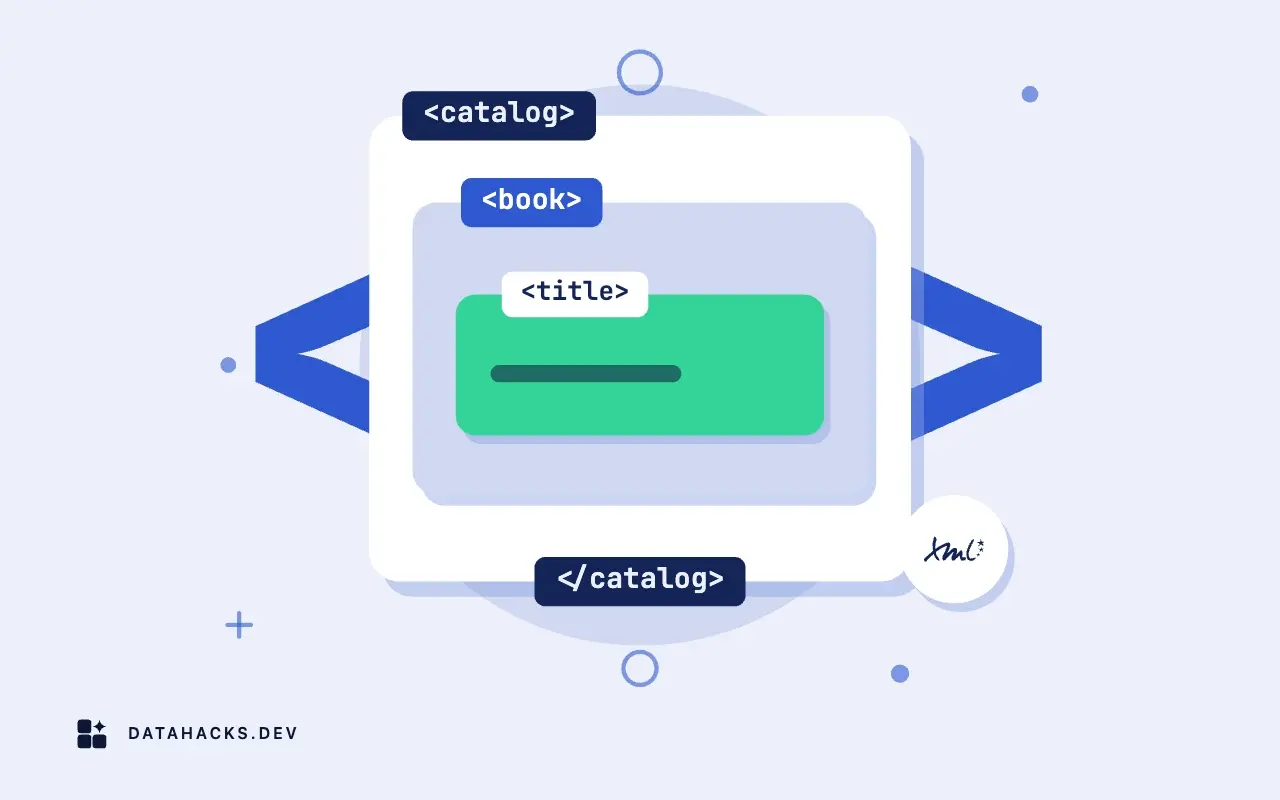
XML feeds still carry a lot of business data: product catalogs, invoices, financial messages, government filings, sitemaps. PostgreSQL has a built-in xml type and a function that does for XML what JSON_TABLE does for JSON: xmltable takes a document and returns rows and columns defined by XPath expressions. It makes a real import possible in SQL, without a script in between, for documents of moderate size. This article walks through a realistic catalog feed with namespaces, attributes and nested elements, shows how to validate before loading and describes where the approach strains.
A sample feed
Suppose a supplier sends a catalog:
<catalog xmlns="http://example.test/catalog/1" generated="2026-03-05">
  <product id="A100" active="true">
    <name>Steel bolt</name>
    <price currency="EUR">0.35</price>
    <tags><tag>hardware</tag><tag>fastener</tag></tags>
  </product>
  <product id="A200" active="false">
    <name>Brass nut</name>
    <price currency="EUR">0.12</price>
    <tags/>
  </product>
</catalog>
The default namespace on the root element is the first trap, and it applies to every element beneath it.
Load and check the document
Bring the file in as text and cast to xml, which also checks that it is well formed:
CREATE TABLE feed_raw (id serial PRIMARY KEY, received_at timestamptz DEFAULT now(), doc xml);
INSERT INTO feed_raw (doc) VALUES (XMLPARSE(DOCUMENT pg_read_file('/srv/import/catalog.xml')));
pg_read_file needs server file access and privileges, discussed in using pg_read_file safely; from an application, pass the file contents as a parameter instead and let the client send it. XMLPARSE(DOCUMENT ...) raises an error with the line and column for malformed input, so a broken feed fails here, before any shredding. XMLPARSE(CONTENT ...) accepts fragments. Keep the raw document in the table: it is your evidence of what the supplier sent, and it lets you rerun the shredding after fixing a mapping.
Shred it with xmltable
SELECT x.*
FROM feed_raw r,
     XMLTABLE(XMLNAMESPACES('http://example.test/catalog/1' AS c),
              '/c:catalog/c:product' PASSING r.doc
              COLUMNS
                  sku       text    PATH '@id',
                  active    boolean PATH '@active',
                  name      text    PATH 'c:name',
                  price     numeric PATH 'c:price',
                  currency  text    PATH 'c:price/@currency'
     ) AS x
WHERE r.id = 1;
The row expression /c:catalog/c:product selects one row per product. Each column has a name, a type and a PATH relative to the row element. Attributes use @, child elements are named with their namespace prefix, and text content is the default. XMLNAMESPACES binds the prefix c to the namespace URI; the prefix in the query does not need to match the one in the file, but the URI must. If you forget the declaration, the paths match nothing and you get zero rows with no error, the most frequent bug in XML imports. Debug by trying a path with local-name(): '/*[local-name()="catalog"]/*[local-name()="product"]' ignores namespaces, which shows whether the structure is right.
Columns accept types and the casting follows the usual rules, so a bad number fails the whole statement. Add DEFAULT clauses for missing elements (price numeric PATH 'c:price' DEFAULT 0) and use text columns for anything unreliable, converting in a second step. The boolean column here accepts true, false, 1 and 0 as XML Schema writes them.
Nested and repeating elements
A product has many tags. A single xmltable row per product cannot hold a list, so shred in two levels with a lateral join, using the product row to feed a second xmltable:
SELECT p.sku, t.tag
FROM feed_raw r,
     XMLTABLE(XMLNAMESPACES('http://example.test/catalog/1' AS c),
              '/c:catalog/c:product' PASSING r.doc
              COLUMNS sku text PATH '@id', tags xml PATH 'c:tags') AS p,
     XMLTABLE(XMLNAMESPACES('http://example.test/catalog/1' AS c),
              '/c:tags/c:tag' PASSING p.tags
              COLUMNS tag text PATH '.') AS t;
The first xmltable returns the tags element as an xml column, the second shreds it. A product with an empty <tags/> element yields no rows from the second, and a plain join drops that product; use LEFT JOIN LATERAL ... ON true to keep it. Alternatively, xpath() returns an array of nodes for a path, and unnest(xpath(...)) gives the repeated values in one expression, which is shorter for simple lists. Parent keys from the outer row are available to the inner one, so each tag row carries its product's sku.
Staging, validation and the final insert
For a real import, shred into a staging table of text columns, then validate and convert. The generic flow from moving data in and out of PostgreSQL applies unchanged: load, check counts against the document (SELECT count(*) FROM XMLTABLE(...) versus the supplier's stated total), find rows that fail the number and date patterns, then insert into the typed tables with ON CONFLICT for updates. Compare with the XPath count function as a cross-check: SELECT (xpath('count(/c:catalog/c:product)', doc, ARRAY[ARRAY['c','http://example.test/catalog/1']]))[1]. Keep the raw xml row linked to the batch so a bad value can be traced to the element that produced it.
Validate against a schema if you have one. PostgreSQL does not validate against XSD itself, so validate the file with xmllint --schema catalog.xsd catalog.xml before loading, in the pipeline that fetches it. A feed that validates is far less likely to break the shredding.
Size limits and performance
xmltable loads and parses the whole document into memory through libxml, so memory use is a multiple of file size, and a 500 MB file can exhaust it or be slow. The xml type has a limit of 1 GB per value as a general limit on field size. For big feeds, split the input into chunks of one element each outside the database (a streaming parser in Python, xmlstarlet, or an xmllint pipeline), and load each chunk as a row. Then xmltable works on small documents, in parallel across rows, with predictable memory. Indexing XML is limited; extract the key fields into columns and index those. For repeated queries over the same documents, shred once into tables and query tables, not XML.
Writing XML out
The reverse direction has functions too: xmlelement, xmlattributes, xmlforest and xmlagg build XML from rows, and query_to_xml and table_to_xml export a result. They are adequate for simple feeds. Complex output with namespaces, ordering and escaping rules is easier to generate in application code with an XML library. Check outputs with xmllint or the consumer's validator.
When a streaming parser outside the database is safer
If the files are huge, if you need XPath 2.0 or XSLT, if you must validate against an XSD as part of the load, if the structure is deeply nested with mixed content or if you need good error messages for supplier support, parse in a script and load rows with COPY. The script can stream gigabytes with constant memory, log elements it could not map and produce CSV or JSON Lines that PostgreSQL loads directly, as in using COPY with STDIN from an application. Use xmltable when the documents are small to medium, the structure is regular and the convenience of doing it in SQL outweighs the limits.
What to do next
Take a real feed, store it raw, write the namespace declaration and the row path, and check the row count against the document. Then add the lateral second level for repeating elements. The manual documents the function in XMLTABLE and the type in XML type. The hub is reading and writing files from PostgreSQL.


