PostgreSQL Invalid Byte Sequence for UTF8 in a CSV Import
COPY stops with an invalid byte sequence error when a CSV is Latin 1. Fix it with the ENCODING option or client_encoding, and avoid the SQL_ASCII trap.
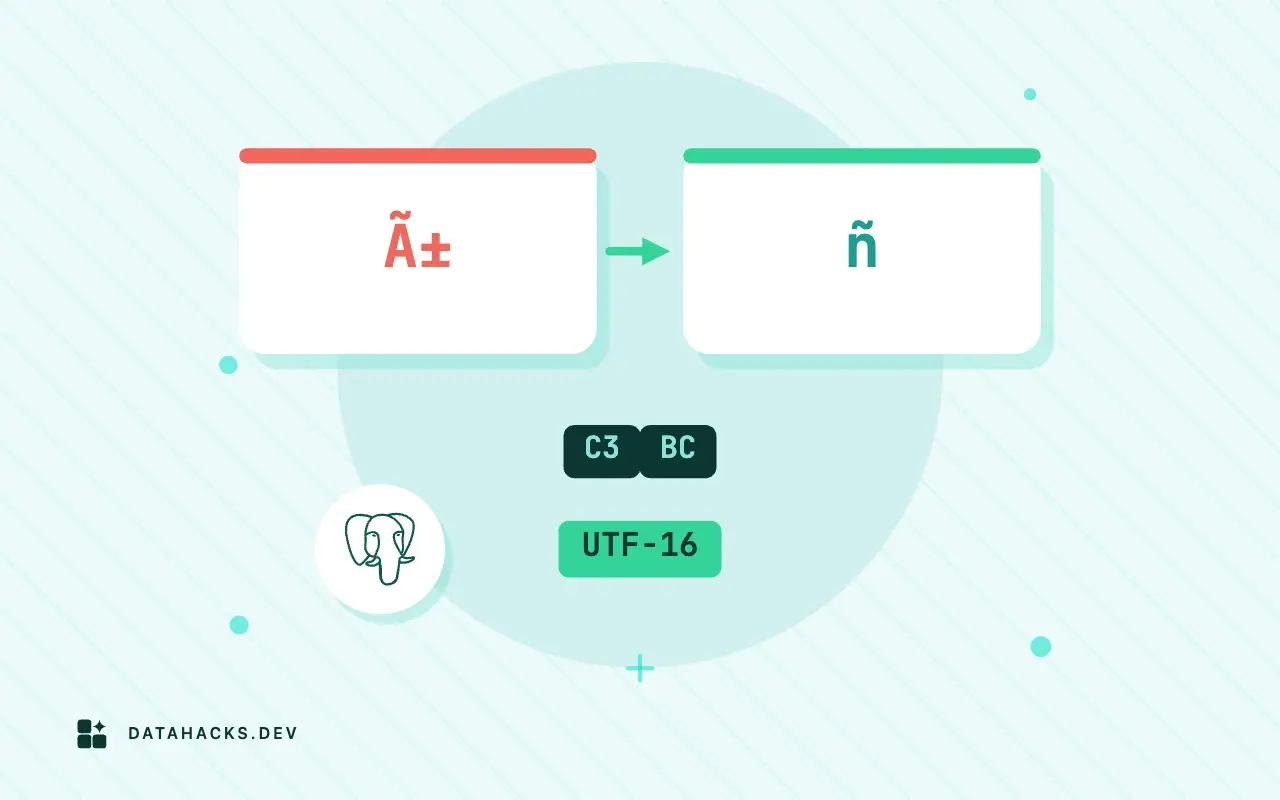
The load stops at line 2 with invalid byte sequence for encoding "UTF8", and the error prints a handful of bytes in hexadecimal. It is one of the clearer errors in PostgreSQL once you know how to read it. The file is not UTF-8, the server is, and PostgreSQL refuses to guess, which is the right behavior: the alternative is storing garbage. This article shows the error, reads its bytes, and gives the three ways to fix it, plus the database setting that makes the error disappear in a way that will cost you later. The wider treatment of bad encodings is in the garbled text guide.
What the error looks like
This is the load of the Latin 1 file into a UTF-8 database:
psql -c "\copy customers FROM 'latin1-customers.csv' WITH (FORMAT csv, HEADER true)" 2>&1ERROR: invalid byte sequence for encoding "UTF8": 0xe9 0x20 0x53
CONTEXT: COPY customers, line 2The message is invalid byte sequence for encoding "UTF8": 0xe9 0x20 0x53, and the context says COPY customers, line 2. Read the bytes. E9 is a lead byte in UTF-8 that promises two continuation bytes, in the scheme defined by RFC 3629. The next bytes are 20, a space, and 53, the letter S, neither of which is a continuation, so the sequence is invalid, and PostgreSQL prints the bad byte and the two after it. In the file, the line is 1,Jos followed by E9, then Silva. A lone E9 between ASCII letters is the signature of é in Latin 1 or Windows 1252. Other common ones are FC for ü, F1 for ñ and E7 for ç. The UTF-8 validity article has ways to list every bad line.
Fix 1: tell COPY the file's encoding
COPY has an ENCODING option, and PostgreSQL converts from that encoding to the server's as it reads:
psql -q -c "TRUNCATE customers"
psql -c "\copy customers FROM 'latin1-customers.csv' WITH (FORMAT csv, HEADER true, ENCODING 'LATIN1')" -c "SELECT id, name, length(name) AS chars, octet_length(name) AS bytes FROM customers ORDER BY id"COPY 2
id | name | chars | bytes
----+------------+-------+-------
1 | José Silva | 10 | 11
2 | Müller | 6 | 7
(2 rows)Both rows loaded and the names are right: José Silva is 10 characters in 11 bytes, and Müller is 6 characters in 7 bytes, since each accented letter takes two bytes in UTF-8. The conversion is lossless for characters that exist in both encodings, which is all of them when the source is Latin 1. For a Windows file with a euro sign or curly quotes, use ENCODING 'WIN1252', since Latin 1 would turn those bytes into control characters, as the conversion article explains. The encoding names PostgreSQL accepts are listed in its character set support chapter, where LATIN1, WIN1252 and SJIS are among them.
Fix 2: set the client encoding
If you are running several loads, or the loading tool does not let you add options, set the encoding for the session. PGCLIENTENCODING is read by psql and every libpq client, and SET client_encoding does the same inside a session:
psql -q -c "TRUNCATE customers"
PGCLIENTENCODING=LATIN1 psql -c "\copy customers FROM 'latin1-customers.csv' WITH (FORMAT csv, HEADER true)" -c "SHOW client_encoding" -c "SELECT name FROM customers WHERE id = 1"COPY 2
client_encoding
-----------------
LATIN1
(1 row)
name
------------
Jos� Silva
(1 row)The load worked, and SHOW client_encoding confirms LATIN1. Notice the last result: the name printed as Jos�. That is not damage. With the client encoding set to Latin 1, PostgreSQL converts query results to Latin 1 as well, so the terminal received the byte E9 and, since my terminal expects UTF-8, drew a replacement character. The data in the table is correct, and it is the display that is wrong. This is one more reason to prefer the ENCODING option on the COPY, which affects only that command, over a session wide setting that changes how you read everything afterwards.
Fix 3: convert the file
The third route is to convert the file to UTF-8 before PostgreSQL sees it, with iconv -f WINDOWS-1252 -t UTF-8, and load the result with no options. It is the most portable, since the converted file works in every database and tool, and it is the only route when the file mixes encodings that no single option covers. It costs a copy of the file. The worked example in the garbled text guide does exactly this and checks the result.
The trap: SQL_ASCII
You may find a database in which the same load works without an option, and the bytes go in. It is probably created with the encoding SQL_ASCII, which means "no encoding": PostgreSQL stores bytes as they come and performs no checks. I made a database like that and loaded the same Latin 1 file:
psql -q -c "DROP DATABASE IF EXISTS ascii_lab" -c "CREATE DATABASE ascii_lab ENCODING 'SQL_ASCII' TEMPLATE template0"
psql -d ascii_lab -q -c "CREATE TABLE customers (id int, name text, email text, signup_date date, balance numeric)"
psql -d ascii_lab -c "\copy customers FROM 'latin1-customers.csv' WITH (FORMAT csv, HEADER true)" -c "SELECT id, name, encode(convert_to(name, 'SQL_ASCII'), 'hex') AS hex FROM customers ORDER BY id"
psql -qAt -c "SELECT 'server encoding of the main database: ' || pg_encoding_to_char(encoding) FROM pg_database WHERE datname = 'lab'"NOTICE: database "ascii_lab" does not exist, skipping
COPY 2
id | name | hex
----+------------+----------------------
1 | Jos� Silva | 4a6f73e92053696c7661
2 | M�ller | 4dfc6c6c6572
(2 rows)
server encoding of the main database: UTF8There was no error, and the hex column shows the stored bytes: 4a6f73e92053696c7661 is Jos, then the raw e9, then Silva. The database accepted a byte that is not a character in any sense it understands, and it will accept UTF-8 from one client and Latin 1 from another side by side in the same column. That is the failure it was designed to allow, and the data in it is a mixture that cannot be read back reliably. The check I use to find such rows is a query for any text that has a byte above 127:
1|Jos� Silva
2|M�ller
Both rows come back. If you inherit a SQL_ASCII database, find out what the clients were sending before changing anything. Migrating it to UTF8 means choosing a source encoding for each column and converting, which is a project, not a setting. The PostgreSQL manual says plainly that SQL_ASCII is not suitable for non-ASCII data, and I would treat a new database created with it as a bug.
Server COPY and \copy behave the same
Both commands apply the ENCODING option and the client encoding in the same way. For \copy, the conversion happens in the server after psql sends the bytes, so the file itself is not rewritten. For server side COPY FROM 'file', the file is read by the server and converted using the same setting, which is easy to forget when the file was prepared by someone else. The difference between the two commands is covered in the comparison article.
How to tell it worked
Query a row you know has an accent and compare the length in characters and bytes: length('José Silva') is 10 and octet_length is 11 in a UTF-8 database. If both are 10, the text is not UTF-8 and something stored it as single bytes. Then look for the mojibake patterns, à and â€, in text columns, since a double conversion produces them: SELECT count(*) FROM customers WHERE name ~ '[ÃÂ]'. A nonzero count means a file that was already UTF-8 was converted again with ENCODING 'LATIN1'.
When the encoding option cannot help
If the file has mixed encodings, with some lines UTF-8 and some Latin 1, any single ENCODING setting breaks one of the two groups. The signs are an error on line 50,000 after the first 49,999 lines loaded in another run, or a iconv conversion that produces mojibake on some rows. The remedy is to find the boundary, split the file, convert each part and join. If the file contains NUL bytes or a UTF-16 byte order mark, the invalid byte sequence is a symptom of another problem, as in the NUL byte article. And if you do not know the real encoding, do not pick one at random: use uchardet and the checks from detecting the encoding of a CSV file, because a wrong source encoding that happens to be valid, such as Latin 1 for a Windows 1250 file, will load without an error and produce the wrong letters.


