Loading CSV Into BigQuery With bq load and Its Flags
Load a CSV from Cloud Storage into BigQuery with bq load: explicit schema, bad-record limits, quoted newlines, replace versus append and a job ID for reruns.
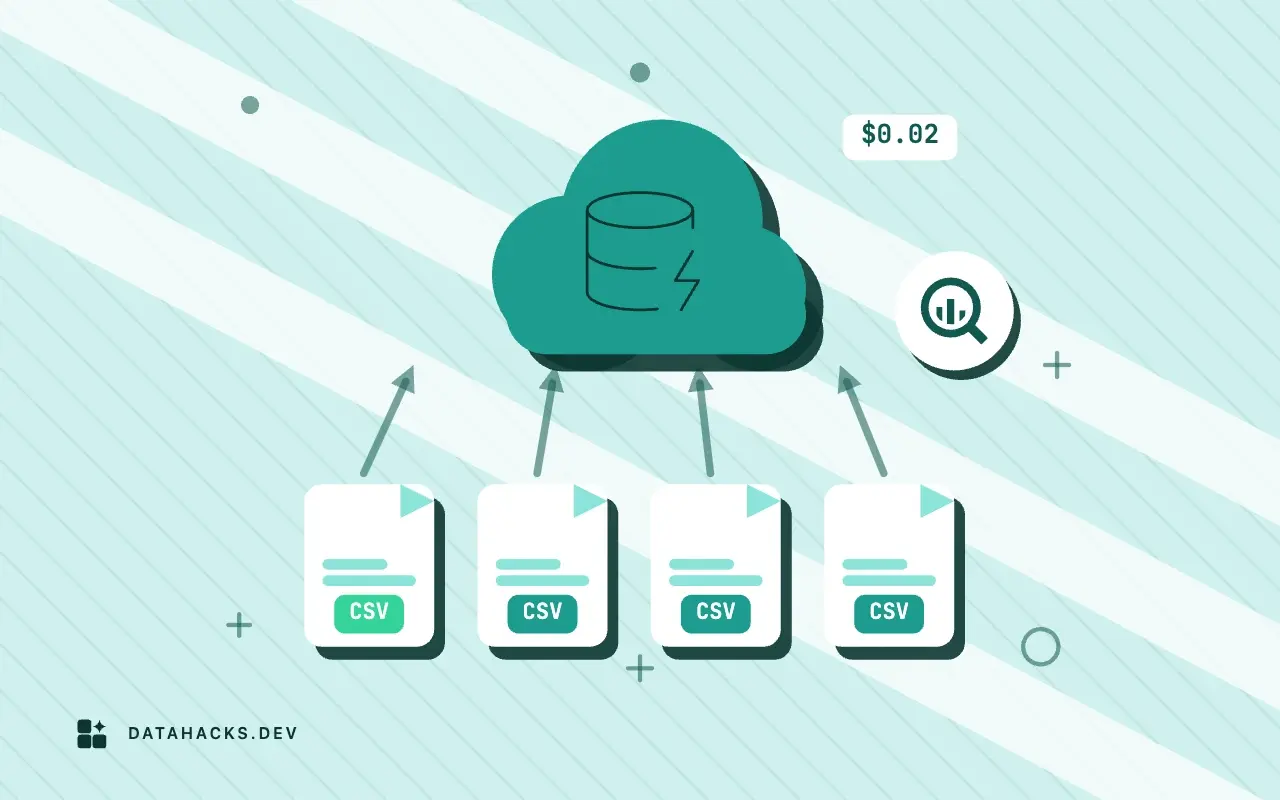
BigQuery is the warehouse where loading a file feels the most like submitting a job to a service, because that is exactly what it is. You do not stream rows into a table with a connection. You put a file in Cloud Storage, tell BigQuery to read it, and a load job runs on Google's side, reports its result and leaves the table changed or not. The tool for it is bq load, and its flags describe the dialect of the file, the shape of the table and what to do with trouble. The defaults are sensible, and the two that bite are autodetection and the difference between appending and replacing. This article goes through a clean load, then the flags worth knowing, then the checks afterward. It is the BigQuery chapter of loading CSV into cloud warehouses.
Stage the file
BigQuery loads a CSV most reliably from Cloud Storage. Copy the file into a bucket in the same location as your dataset, since a load reads across regions poorly or not at all:
gcloud storage cp orders-2026-10-02.csv gs://example-bucket/orders/bq load can take a local file path too, and that works for small files, though a Cloud Storage object is the form that scales and the one that lets you retry without uploading again. Validate the file before you upload it (validating a CSV file), since a failed load job costs time even when it costs no money.
A clean load
For a file like this one, with a header and a quoted field:
order_id,customer,zip,placed_on,total,note
1001,Acme Ltd,02134,2026-10-01,120.50,
1002,"Beta, Corp",90210,2026-10-01,89.90,"said ""hi"""
the load is one command:
bq load \
  --source_format=CSV \
  --skip_leading_rows=1 \
  --max_bad_records=0 \
  --replace \
  --job_id=orders_2026_10_02 \
  shop.orders \
  gs://example-bucket/orders/orders-2026-10-02.csv \
  order_id:INTEGER,customer:STRING,zip:STRING,placed_on:DATE,total:NUMERIC,note:STRING
The pieces, in order. --source_format=CSV names the format (CSV is the default for bq load, and saying it avoids a surprise). --skip_leading_rows=1 skips the header, and it does not read it: the schema comes from the last argument, not from the file. --max_bad_records=0 states the default, so the intent is visible to the next reader. --replace erases the table's contents before loading; without it, the load appends. --job_id names the job. The final arguments are the destination table (dataset.table), the source URI and the schema as a comma-separated list of name:TYPE.
The schema argument is the important one. zip is STRING, so 02134 keeps its zero. total is NUMERIC, BigQuery's exact decimal type, so 120.50 is stored exactly and sums do not carry binary float noise (the float noise in Miller's sums shows what a double does to money). placed_on is a DATE, and BigQuery reads YYYY-MM-DD without help. A longer schema goes in a JSON file, passed as the schema argument by path, which is easier to review in version control than a long command line.
Why not autodetect
--autodetect tells BigQuery to infer the schema, and it is handy for a scratch table. It works from a sample of rows at the start of the file, so it makes the same mistake as every inferring reader: a column whose early values look numeric gets a numeric type, and a postal code loses its zero when the load succeeds. It can also pick INTEGER for a column that holds an identifier and fail on the first alphabetic value later in the file, which stops the whole job. Autodetect reads the header as column names when it can tell it from data. I use it to look at a file for the first time, then copy the detected schema into an explicit one, fix the identifiers and load with that (why a CSV file has no types and what that costs you).
Flags that describe the file
When a file is not plain, tell BigQuery in the load command and not afterward.
--field_delimiter=';'(or-F) sets another delimiter, and--field_delimiter='\t'reads tabs.--quote='"'sets the quote character, and an empty value means no quoting.--allow_quoted_newlinespermits line breaks inside quoted fields. It is off by default, and a file with such fields fails without it; it also stops BigQuery from splitting the file at line breaks, which can slow a very large load.--encoding=UTF-8orISO-8859-1names the encoding; BigQuery supports those two, so convert anything else first (converting a CSV from Latin 1 or Windows 1252 to UTF8).--null_marker=NULLmakes a given string load as NULL. Without it, an empty field loads as NULL for most types, and as an empty string forSTRINGcolumns.--allow_jagged_rowsaccepts rows with missing trailing columns and fills them with NULL, and--ignore_unknown_valuesaccepts rows with extra columns and drops them. Both hide a changed file format, so leave them off for a feed you want to hear about (handling a CSV provider who changes columns without warning).--max_bad_records=Nlets up to N rows fail without failing the job. Keep it at 0 unless you also look at the errors.
Partitioning and clustering are set at load time as well: --time_partitioning_field=placed_on --time_partitioning_type=DAY and --clustering_fields=customer create the table with them, which matters for query cost later.
Append, replace and rerun
Without --replace, bq load appends. That is correct for a feed of new rows and wrong for a daily full snapshot, where it would stack the same orders every morning. For a snapshot, --replace makes the load replace the table's contents atomically: readers see the old data until the job finishes, then the new. For a delta, append, and put a ledger beside it so you know which files went in.
The --job_id flag is the quiet gem. BigQuery will not run two jobs with the same ID, so if a script submits orders_2026_10_02 twice, because a scheduler retried after a network error, the second submission is rejected as a duplicate and the table is loaded once. Build the ID from the file's identity: the date, or a content hash if corrections can re-send a day. Job IDs are unique within a project and location, and reusing one for a different file is an error you want to see.
Reading the result
A load job finishes with a status. bq show --job=true orders_2026_10_02 prints it, including errors if any, each with a message that names a row or position and the problem, such as a value that could not be parsed as the column's type. Read the first one carefully: it is the first error BigQuery found, and with --max_bad_records=0 the job stopped there, so the file may contain more. To list all of them, re-run with a high --max_bad_records into a scratch table and query the job's error list, or load into an all-STRING staging table and validate in SQL (logging rejected rows from a CSV import for review).
After a successful job, check the numbers before anyone queries the table:
bq query --use_legacy_sql=false \
  'SELECT COUNT(*) AS n, SUM(total) AS total, MIN(placed_on) AS first_day, MAX(placed_on) AS last_day FROM shop.orders'
Compare n and total with what the file says, from a DuckDB query or a manifest. A mismatch means a bad-row tolerance hid something, a line break split a row or the schema read a column wrongly.
Compression, size and limits
An uncompressed CSV can be read in parallel by splitting it, and a compressed one cannot be split, so a single large .csv.gz loads on one worker and is slower than several moderate files or one uncompressed file. Gzip is still worth it for transfer. Compressed and uncompressed files have different maximum sizes, and so do rows and cells; the limits page lists them and they are what you hit first on very large loads. Load jobs per table per day are capped too, so loading a file at a time in a loop for thousands of files will run into it: combine files, or use wildcards in the URI (gs://example-bucket/orders/orders-*.csv), which load many files in one job.
When a load job is the wrong path
A load job is batch: minutes of latency, one job per submission. If you need rows to appear in seconds, use the Storage Write API or streaming inserts, which cost differently and need a client that sends rows, not a file. If the data is already in Cloud Storage and queried rarely, an external table avoids the load and the copy, at the price of scanning the file on each query, which is why external tables over raw CSV are a poor dashboard source and over partitioned Parquet are fine. And for a handful of rows, the console upload or an INSERT is simpler than any pipeline.
For the checks, formats and Parquet alternative that apply to every warehouse, see loading CSV into cloud warehouses, and for a feed that needs a ledger and monitoring, automating CSV imports into a database. The authority is Google's page on loading CSV data from Cloud Storage, with the bq load flags in the bq command-line reference.


