Converting CSV to JSON Lines for Streaming Pipelines
Convert CSV to JSON Lines, one object per line: a 13 MB streaming script, DuckDB in 0.3 s, files that split cleanly and a cut-off file that shows itself.
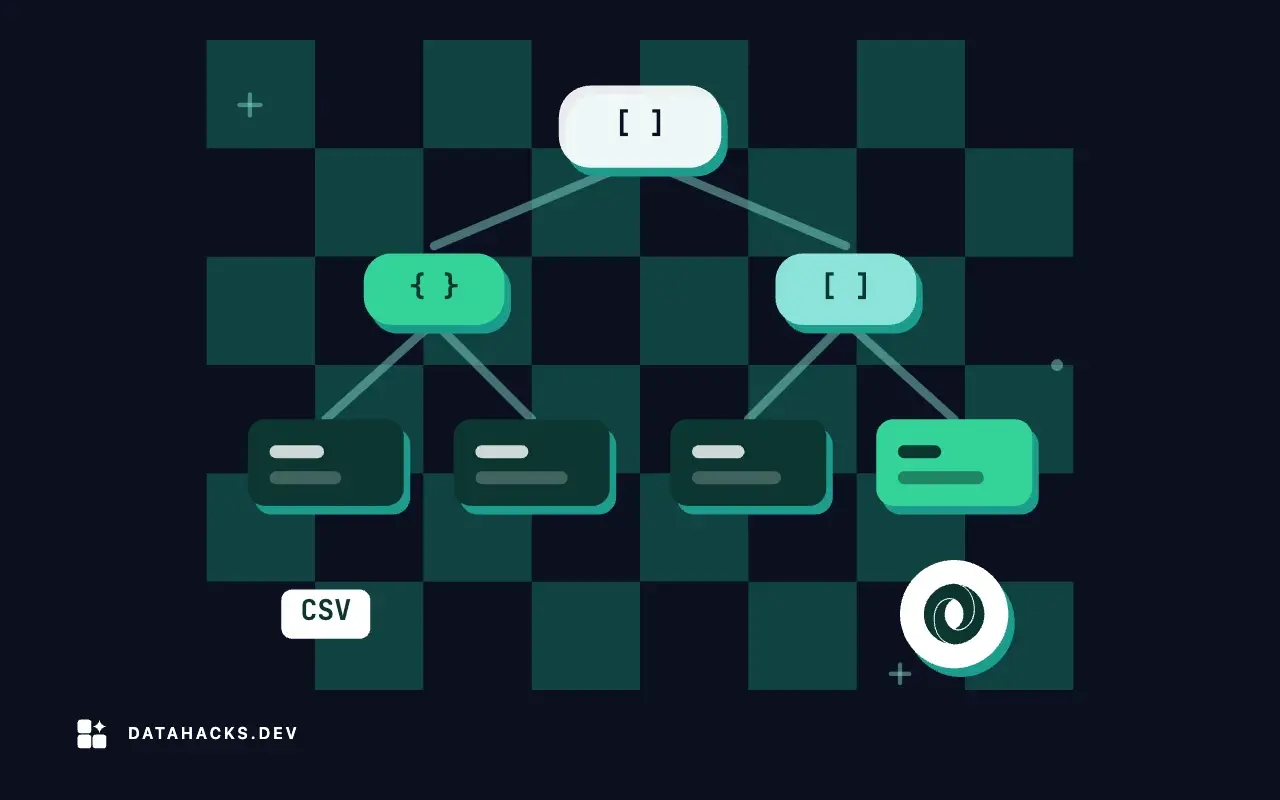
A JSON array is one value. A parser has to read the whole file before it can give you the first element, and a producer cannot flush the last bracket until it has the last record. That makes a poor container for a big table, a log or a stream. JSON Lines, also seen as NDJSON, puts one JSON object on each line and nothing around them. Each line is a complete document, as the JSON Lines site describes it. This article converts a CSV into it, shows why the format fits pipelines, and tests what a reader can do with the result that it could not do with an array.
One object per line
The format has two rules: each line is a valid JSON value (in practice an object), and lines are separated by \n. The second rule works because JSON escapes newlines inside strings. A CSV field can contain a raw line break, which is why wc -l is not a row count for CSV. In JSON Lines the same field is written as \n, two characters:
echo "CSV: $(wc -l < lab/data/conv/people.csv) lines for 9 records"
duckdb -c "COPY (SELECT id, name, note FROM read_csv('lab/data/conv/people.csv', all_varchar=true)) TO 'work/conv/people.jsonl' (FORMAT json)"
echo "JSON Lines: $(wc -l < work/conv/people.jsonl) lines for 9 objects"
sed -n 4p work/conv/people.jsonlCSV: 11 lines for 9 records
JSON Lines: 9 lines for 9 objects
{"id":"4","name":"Cy","note":"line one\nline two"}The nine-record CSV file has 11 lines, because one field holds a newline and the file has a header line. The JSON Lines file has 9 lines for 9 objects, and the record that contained the line break is the single line {"id":"4","name":"Cy","note":"line one\nline two"}. So wc -l counts records, head -n 100 takes a hundred records, split -l is safe and a line-oriented tool like grep never cuts an object in half. None of that is true of CSV with quoted newlines.
The conversion
A generator that yields one dictionary per row and a loop that writes one line per dictionary:
import csv, json, sys

BOOLS = {"true": True, "false": False}


def rows(path):
    with open(path, newline="", encoding="utf-8") as f:
        for r in csv.DictReader(f):
            yield {
                "id": int(r["id"]),
                "email": r["email"],
                "signup_date": r["signup_date"] or None,
                "balance": r["balance"] or None,          # exact decimals stay strings
                "country": r["country"] or None,
                "status": r["status"],
            }


if __name__ == "__main__":
    out = sys.stdout if len(sys.argv) < 3 else open(sys.argv[2], "w", encoding="utf-8")
    for obj in rows(sys.argv[1]):
        out.write(json.dumps(obj, ensure_ascii=False, separators=(",", ":")) + "\n")
It makes the typing decisions explicit, as in the JSON article: id is an integer, an empty signup_date or country becomes null, and balance stays a string so that 11503.60 keeps its zero. It reads the CSV with the csv module, so quoted fields with commas and newlines are parsed properly. The output of the first three rows:
python lab/conv/jl_py.py work/val/customers.csv 2>/dev/null | head -n 3{"id":1,"email":"[email protected]","signup_date":"2025-04-03","balance":"10485.58","country":"IT","status":"active"}
{"id":2,"email":"[email protected]","signup_date":"2025-02-19","balance":"11503.60","country":"DE","status":"pending"}
{"id":3,"email":"[email protected]","signup_date":"2025-08-12","balance":"787.17","country":"US","status":"active"}separators=(",", ":") removes the spaces after commas and colons, which makes the lines shorter and changes nothing for a parser. ensure_ascii=False keeps non-ASCII characters readable in the file.
Four converters
For 193,708 rows:
/usr/bin/time -f "%e s, peak %M KB" python lab/conv/jl_py.py work/val/customers.csv work/conv/c_py.jsonl1.27 s, peak 13340 KB/usr/bin/time -f "%e s, peak %M KB" duckdb -c "COPY (SELECT * FROM read_csv('work/val/customers.csv', all_varchar=true)) TO 'work/conv/c_duck.jsonl' (FORMAT json)"0.30 s, peak 215272 KB/usr/bin/time -f "%e s, peak %M KB" bash -c "mlr --icsv --ojsonl -S cat work/val/customers.csv > work/conv/c_mlr.jsonl"1.53 s, peak 442028 KB/usr/bin/time -f "%e s, peak %M KB" bash -c "csvjson -I --stream work/val/customers.csv > work/conv/c_csvjson.jsonl"4.96 s, peak 210688 KB| Converter | Fields written | Time | Peak memory | Output |
|---|---|---|---|---|
| Python generator | 6, typed | 1.27 s | 13,340 KB | 24,779,214 bytes |
DuckDB COPY ... (FORMAT json) | 12, as text | 0.30 s | 215,272 KB | 48,723,768 bytes |
Miller --ojsonl -S | 12, as text | 1.53 s | 442,028 KB | 52,551,888 bytes |
csvkit csvjson -I --stream | 12, as text | 4.96 s | 210,688 KB | 53,179,052 bytes |
The comparison is not like for like: the Python script writes six of the twelve columns, which is why its file is about half the size. Even so, the memory column is the point. The generator holds one row at a time and used 13 MB, where the others used 16 to 33 times that. DuckDB's default output for COPY ... (FORMAT json) is already JSON Lines, and it was the fastest. Miller and csvkit needed their inference-off switches (-S and -I) to write the text unchanged, as described in the earlier article; with inference on, csvjson took 36 s for the array form of the same file, and with -I and --stream it took 5 s.
What the format lets you do
Filter without loading. jq reads a line at a time:
echo "filter with jq:"; jq -c 'select(.country == "BR" and .status == "pending") | {id, balance}' work/conv/c_py.jsonl | head -n 3
echo "count matches:"; jq -c 'select(.country == "BR" and .status == "pending")' work/conv/c_py.jsonl | wc -l
echo "split into 4 files with split(1):"; split -n l/4 -d --additional-suffix=.jsonl work/conv/c_py.jsonl work/conv/part_ && wc -l work/conv/part_*.jsonl | tail -n 5
echo "concatenation is valid:"; cat work/conv/part_00.jsonl work/conv/part_01.jsonl work/conv/part_02.jsonl work/conv/part_03.jsonl | cmp - work/conv/c_py.jsonl && echo identical to the originalfilter with jq:
{"id":5,"balance":"6678.66"}
{"id":219,"balance":"-15710.25"}
{"id":239,"balance":null}
count matches:
3304
split into 4 files with split(1):
48935 work/conv/part_00.jsonl
48738 work/conv/part_01.jsonl
48022 work/conv/part_02.jsonl
48013 work/conv/part_03.jsonl
193708 total
concatenation is valid:
identical to the originalThe filter for pending Brazilian customers printed the first three objects ({"id":5,"balance":"6678.66"} and so on) and counted 3,304 matches. Note that null is a value ("balance":null), not a missing key, because the converter wrote it.
Split anywhere. split -n l/4 cut the file into four parts without splitting a line, and the parts had 48,935, 48,738, 48,022 and 48,013 lines. Concatenated in order, they were byte-identical to the original, which cmp confirmed. Parts can be processed in parallel and recombined by cat. A JSON array cannot be cut like that, and a CSV with quoted newlines cannot be cut with split -l either, as the splitting article shows.
Read one object at a time. A loop over the lines gives one parsed object per iteration:
python - <<'PY'
import json, time
t = time.perf_counter()
n = ids = 0
with open('work/conv/c_py.jsonl', encoding='utf-8') as f:
    for line in f:
        o = json.loads(line); n += 1; ids += o['id']
print(n, 'objects read one at a time in', round(time.perf_counter() - t, 2), 's; sum of ids', ids)
PY
duckdb -c "SELECT count(*) AS n, count(*) FILTER (WHERE country IS NULL) AS no_country FROM read_json('work/conv/c_py.jsonl')"193708 objects read one at a time in 0.33 s; sum of ids 19516090959
┌────────┬────────────┐
│ n │ no_country │
│ int64 │ int64 │
├────────┼────────────┤
│ 193708 │ 0 │
└────────┴────────────┘Python read all 193,708 objects in 0.33 s with no more memory than one line. DuckDB's read_json read the same file as a table and counted 193,708 rows, inferring the columns from the data, so a consumer that wants SQL can have it with one function call.
Append. Adding records is >> of more lines, and combining two files is cat a.jsonl b.jsonl. No closing bracket moves.
When the file is cut off
A streaming format needs to show damage clearly. Cutting the last 20 bytes off the file:
head -c -20 work/conv/c_py.jsonl > work/conv/c_cut.jsonl
tail -n 1 work/conv/c_cut.jsonl; echo
tail -n 1 work/conv/c_cut.jsonl | jq . >/dev/null; echo "jq exit status on the last line: $?"
jq -c . work/conv/c_cut.jsonl >/dev/null; echo "jq exit status on the whole file: $?"
python - <<'PY'
import json
bad = 0
for n, line in enumerate(open('work/conv/c_cut.jsonl', encoding='utf-8'), 1):
    try: json.loads(line)
    except json.JSONDecodeError as e: bad += 1; print(f'line {n}: {e.msg} at column {e.colno}')
print(bad, 'bad line')
PY{"id":200000,"email":"[email protected]","signup_date":"2025-04-20","balance":"17989.51","country":"US"
parse error: Unfinished JSON term at EOF at line 1, column 109
jq exit status on the last line: 4
parse error: Unfinished JSON term at EOF at line 193708, column 109
jq exit status on the whole file: 4
line 193708: Expecting ',' delimiter at column 110
1 bad lineThe last line stops in the middle of an object. jq stops with parse error: Unfinished JSON term at EOF at line 193708, column 109 and exit status 4, and Python's parser reports Expecting ',' delimiter at column 110 on that line only. One bad line, and the 193,707 before it are fine. This is an advantage over an array, where a missing closing bracket makes the file unreadable by a standard parser, and over CSV, where a cut-off last row can look like a valid row with fewer fields, as the truncation article found with pandas. Note the wc -l count here: the cut also removed the final newline, so wc reported 193,707 lines for a file with 193,708 objects. Count with a parser, as always.
How to tell it worked
Count the objects with a JSON parser and compare with the CSV record count (from a CSV parser, not wc -l). Check that a row with a newline, a quote and a non-ASCII character comes through as one valid line. Run jq -c . file.jsonl > /dev/null and check the exit status, which validates every line. Read a line from the middle and compare it by eye with the CSV record. And compress the output when it leaves the machine: JSON Lines is repetitive text, and the gzip article shows how well that compresses.
When a consumer needs one JSON document
JSON Lines is not JSON. A tool or an API that expects a single document or an array will reject it, and the fix is one jq -s . or a different writer, at the cost of the memory the array needs. The format has no schema, so each line can have different keys, which is flexibility for a producer and a hazard for a consumer: add a validation step (the validation guide) that checks every line has the keys you expect. And the format says nothing about the encoding beyond "UTF-8 is expected", nor about types beyond JSON's, so the points about numbers and identifiers from the conversion hub apply to every line.


